Concept project · MICA graduate research
NVIDIA
GeForce NOW for iPhone: Cloud gaming,rebuilt for touch.
GeForce NOW reaches iPhone only through the browser. I researched why players struggle there and designed a native app around what they told me: controls built for thumbs, accessibility in plain view, and settings that follow you.
- Role
- Product Designer & User Researcher
- Timeline
- Aug – Dec 2024 · 12 weeks
- Context
- Concept · MICA graduate research
- Tools
- Figma: design system, architecture, interactive prototype
Overview
At a glance
- Challenge
- GeForce NOW reaches iPhone only through the browser. Players I surveyed and interviewed struggled with touch controls, couldn't find accessibility tools, and lost their settings when switching devices.
- What I did
- Surveyed and interviewed players, mapped a full play session, compared six competing services, then designed a native app with its own design system and an interactive Figma prototype.
- What testing showed
- Players with gaming experience worked through tasks in the prototype. Their feedback added a streaming status bar, color-coded icons, clearer dropdowns, visible in-game audio controls, genre filters and a recently played section.
- Role
- Product Designer & User Researcher
- Timeline
- Aug – Dec 2024 · 12 weeks
- Methods
- Survey · Interviews · Journey mapping · Competitive analysis · Prototyping · Usability testing
The problem
What wasn't working
GeForce NOW has no native iOS app; iPhone players use it through the browser. Most desktop features could work on mobile without losing anything, and cloud gaming keeps growing, so a native app is a clear opportunity to bring more people into cloud gaming.
The harder question was controls. Getting players to trust touch controls the way they trust a keyboard or controller turned out to be tricky. Players described touchpads sized wrong, confusing button layouts, and accessibility tools that were missing or hidden.
The gap
A browser is not a game console. Players needed controls made for thumbs, accessibility they could find, and settings that survive a device switch.
Three problems, one through-line
Every design decision traces back to something players said
Surveys and interviews surfaced three pain points. Pick one to see what I designed in response.
What research found
Over 40%
of participants were frustrated by touch controls for complex inputs like R1/R2.
Confusing button layouts and touchpads sized wrong make players feel out of control, especially in fast-paced games.
What I designed
A control scheme built for thumbs
Intuitive button layouts, touchpads players can resize, and controls optimized for complex inputs like R1/R2, so fast-paced games feel natural on a phone.
Share of survey and interview participants who raised each issue.
Who I designed for
Persona 1
Student Gamer
22 · iPhone 14 Pro · Apex Legends, Valorant, Rocket League on PC and mobile
“Gaming should be about skill and fun, not about wasting time tweaking settings every time I switch devices.”
Goals
- Uninterrupted gaming
- Effortless game management
- Customization options
Pain points
- Interface overload
- Feature discoverability
- Lack of personalization
Persona 2
Tech Professional
28 · tablet and laptop · The Witcher 3, Genshin Impact; plays to relax
“If an app can't adapt to how I work and play, I'll quickly lose interest. I'm looking for something that enhances the experience, not complicates it.”
Goals
- Ease of use
- Accessibility features
- Cross-platform consistency
- Game discovery
Pain points
- Complex navigation
- Non-intuitive settings
- Lack of personalization
- Data usage concerns
Twelve weeks, four overlapping phases
Aug – Dec 2024 · 12 weeks
Overlapping phases
- DiscoverWk 1–6Problem statement, competitive analysis, surveys and interviews
- DefineWk 5–8MVP planning, feature definition and prioritization
- DesignWk 7–12Storytelling, wireframes, high-fidelity mockups
- Prototype & testWk 10–13Interaction design, usability testing, iteration, final presentation
Where a session breaks down
One player, one evening, five moments
The journey map follows a player opening the app to play The Witcher 3. Finding a game and playing it with touch controls are where the mood drops.
- Doing
- Scrolls through a long list of games to find The Witcher 3
- Feeling
- Frustrated, impatient
- Needs
- Efficient search and filtering, an easy layout, quick access to frequently played games.
Mood is qualitative, from the journey map. Dotted purple ranges mark stages that could go either way; the line follows the harder outcome, which is what players described.
Six rivals, one opening
Competitive analysis
Each competitor wins on something different. GeForce NOW's opening is the library players already own.
Where GeForce NOW wins
Players bring the games they already own, streamed at high performance. The risk to manage: subscription fatigue.
Xbox Cloud Gaming
- Founded
- 2018
- Price
- $14.99/mo
- Games
- 500+
Day-one releases, exclusive Xbox titles and EA Play, bundled into Game Pass Ultimate.
Figures as researched in 2024
Designing for thumbs
The biggest pain point, made tangible
Touch controls were the most common complaint. The concept rethinks the layout: clearer buttons, touchpads players can resize, controls tuned for complex inputs like R1/R2, and a connection status instead of a menu bar over the game.
Try it · Touch-control lab
Tap the controls, switch layouts, resize the touchpads.
Switch to the concept layout to resize.
Illustrative demo of the control principles from research. It is not a screen from the prototype.
The app · 8 real screens
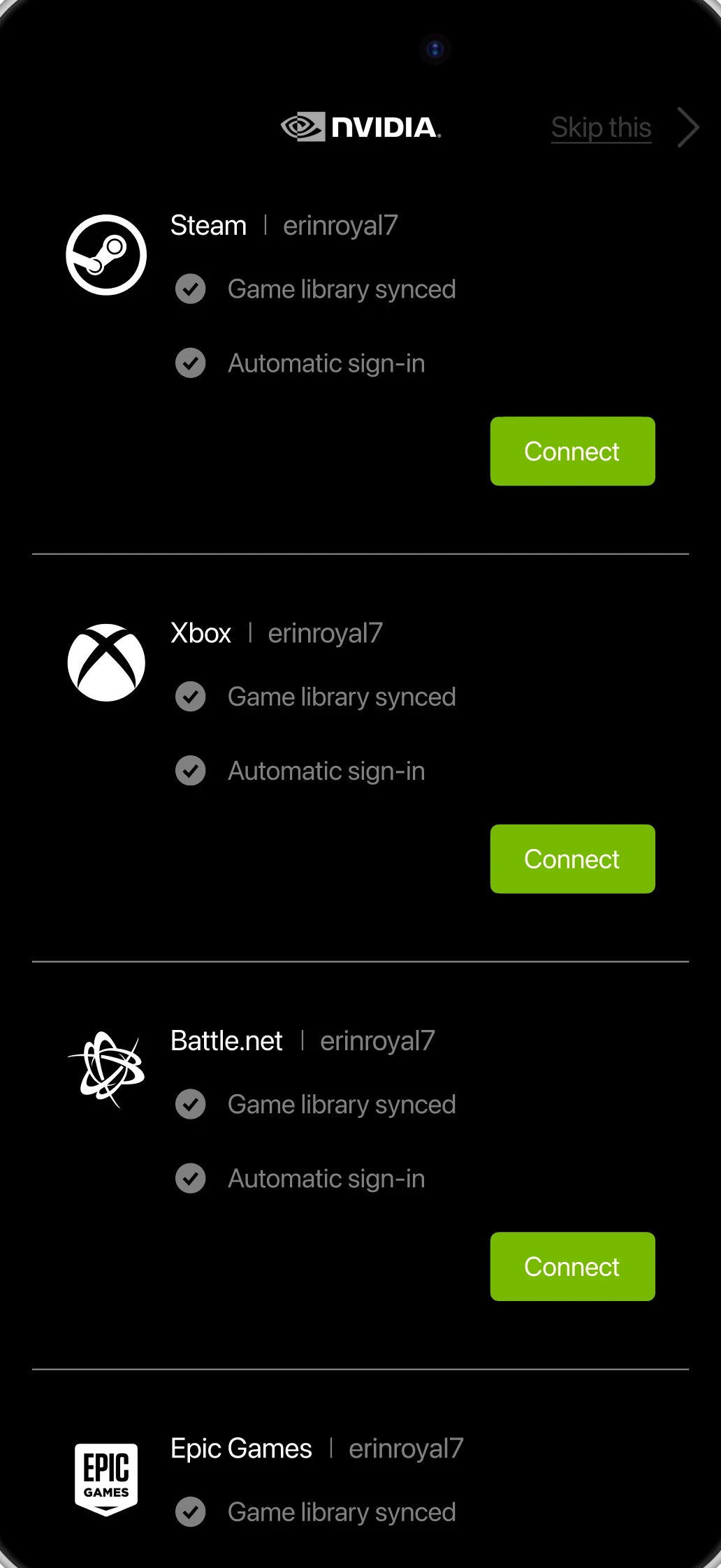
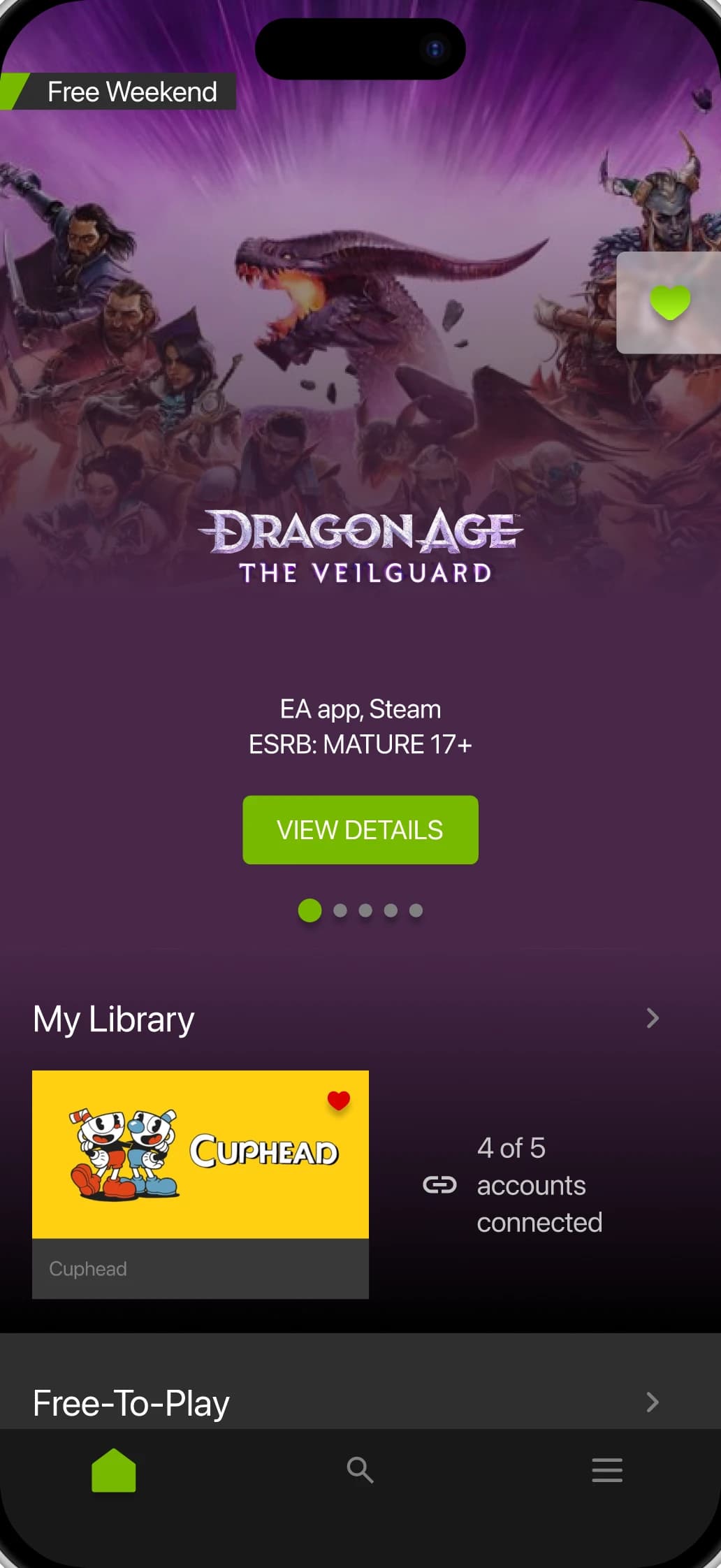
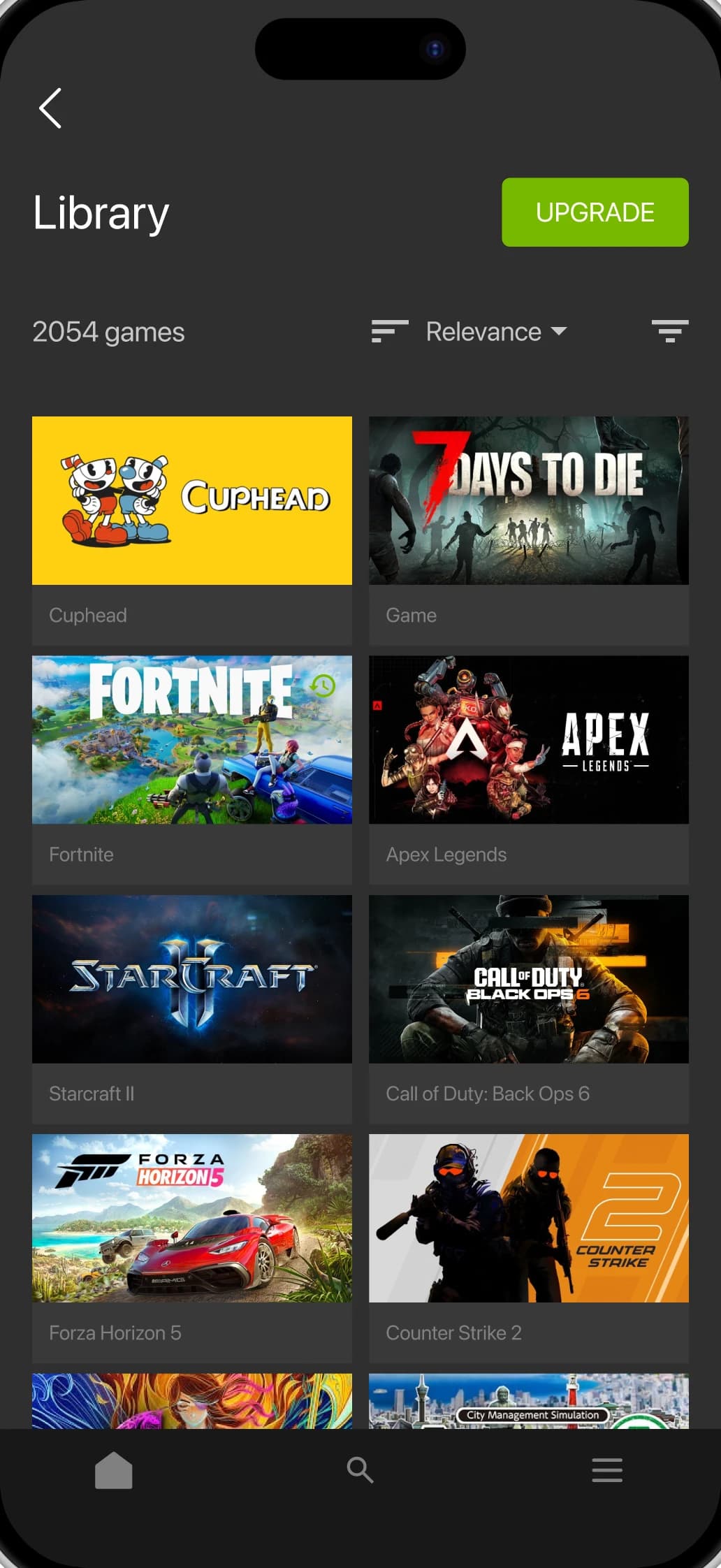
From sign-in to settings, the way a player meets it.
Screens from the interactive prototype. It plays on its own; hover, tap or use the arrow keys to take over.

Prefer to tap through it yourself?
The full Figma prototype runs right here. It loads only when you ask, so the page stays fast.
Open the architecture board in Figma (opens in a new tab)Interactive Figma prototype
Loads from Figma
A system that reads as NVIDIA and feels like iOS
Color and type
NVIDIA green carries actions and highlights, always on dark surfaces where it reads clearly. Type follows Apple's scale in SF Pro so the app feels native.
- Primary#76B900
NVIDIA green for actions and highlights.
On black 8.2:1 · AAA
- Green ramp#152000 → #C1FF52
Tints and shades for states and depth.
- Neutrals#000000 → #FFFFFF
Dark surfaces that let game art shine.
- Accents#DD0000 → #3F09AB
Red for alerts and favorites; purple for secondary moments.
White on red 5.2:1 · AA
Type scale · SF Pro
- H1 · Play anywhere32 pt
- H2 · Play anywhere26 pt
- H3 · Play anywhere22 pt
- H4 · Play anywhere18 pt
- Headline · Play anywhere17 pt
- Body · Play anywhere16 pt
- Callout · Play anywhere15 pt
- Footnote · Play anywhere13 pt
- Caption 1 · Play anywhere12 pt
- Caption 2 · Play anywhere11 pt
What testing changed
Usability testing with players who game
Participants with gaming experience completed tasks in the prototype, then answered targeted questions. Their feedback was compiled into one document and drove these changes.
- A visual status bar for ongoing activity like streaming
- Dynamic, color-coded icons that are easier to see
- Redesigned dropdown menus that are quicker to use
- In-game settings and audio controls kept visible
- Genre filters plus a single unified view of the library
- A dedicated section for recently played games
Retrospective
Looking back
Research pointed to three problems: touch controls, hard-to-find accessibility tools, and settings that don't follow you between devices. The concept answers each in a native iPhone app, but it has only been tested as a prototype.
What I'd do differently
- 01Test with a bigger, more varied group. The percentages come from a small group of surveyed and interviewed players, so they show direction, not size. Next time I'd recruit more players, including people who rely on accessibility features, before ranking the problems.
- 02Measure the controls, not just opinions about them. I'd time core actions like R1/R2 combinations and compare the custom touch layout against GeForce NOW's current browser controls.
- 03Check the personas against real behavior. Both personas came from interviews. A short diary study would show whether the split between the Student Gamer and the Tech Professional holds up.
Constraints that shaped the design
- Limited screen space: virtual controls for complex inputs like R1/R2 had to fit without covering the game.
- Unreliable mobile networks, which is why the design shows connection status and lowers resolution automatically.
- Fitting NVIDIA's brand into iOS conventions, so the app feels native and still reads as GeForce NOW.